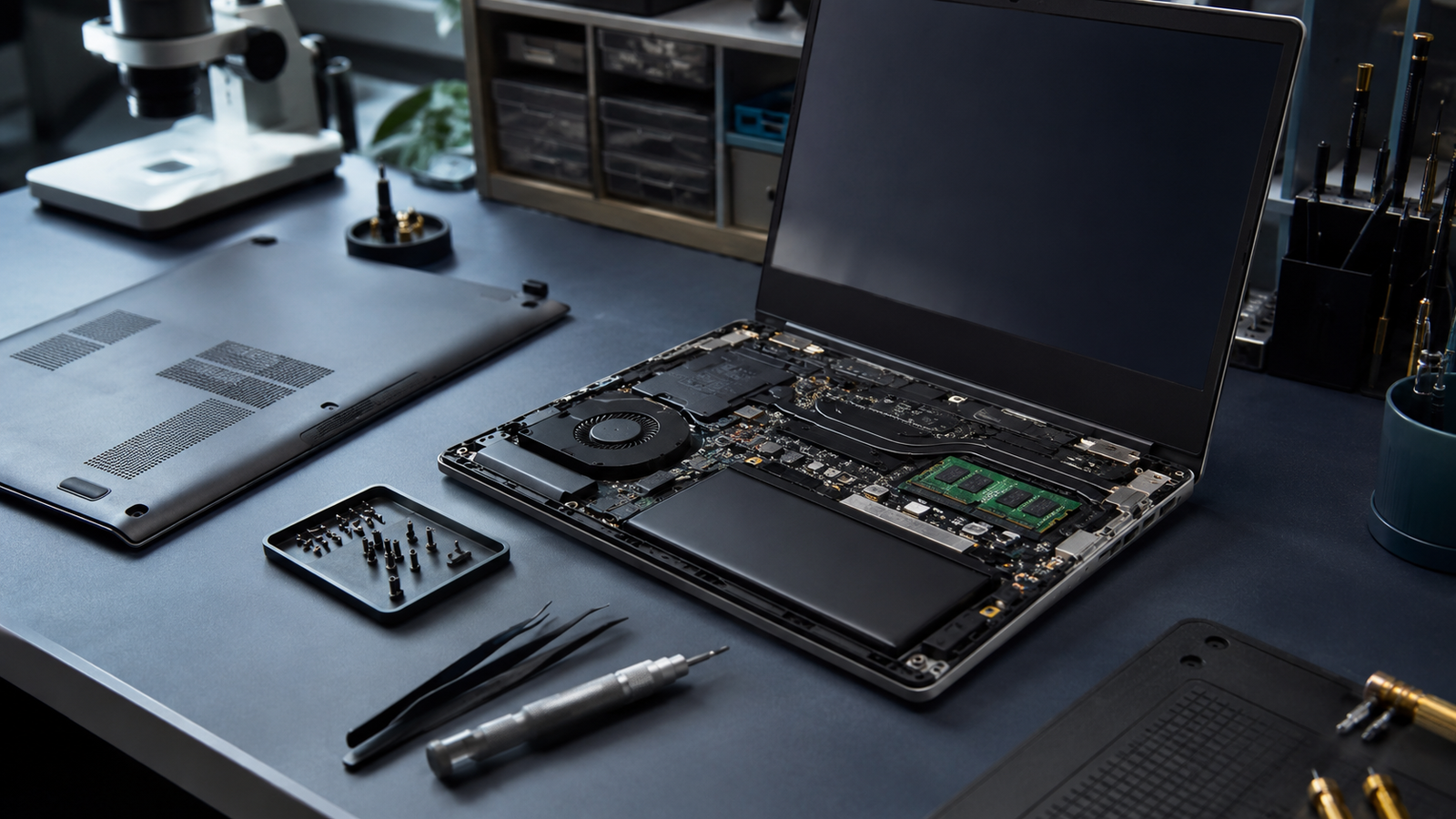
DiagnosticAssessing the state of the machine
Checking the symptoms, components, performance, storage, temperature and overall behaviour of the computer.
GridCore helps you with common computer problems: slow PC, Windows errors, difficult startup, optimisation, SSD/RAM replacement, possible data recovery, PC setup, Windows/Linux installation and advice before buying.
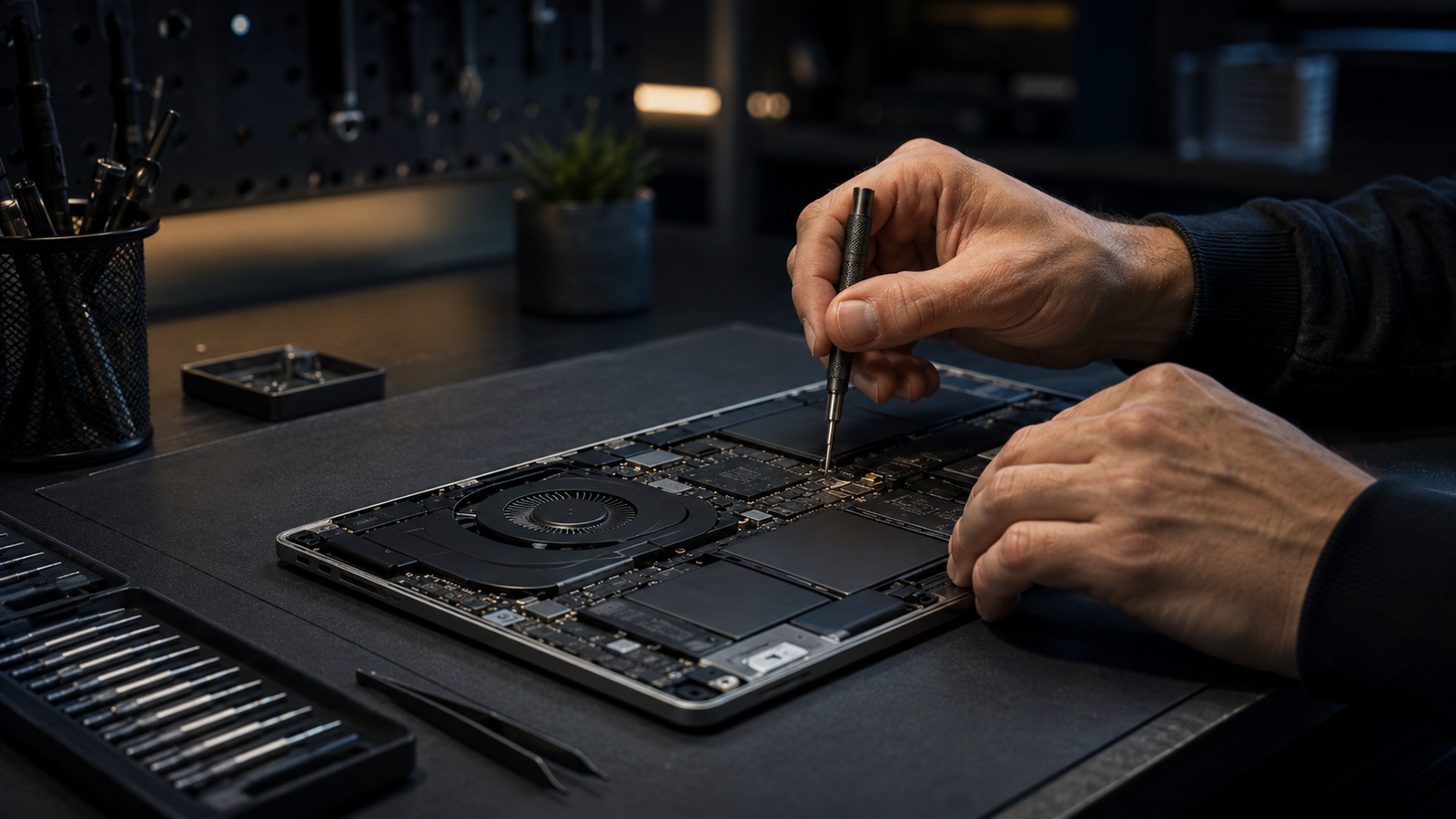
Before buying a new PC, it’s worth understanding the source of the problem: a slow drive, insufficient memory, an unstable Windows, unnecessary software, poor settings or ageing hardware.
Every job depends on the diagnosis. The goal is to offer a useful, clear solution suited to the value of the machine.
Analysis of the symptoms: slowness, errors, difficult startup, noise, overheating, black screen or unstable behaviour.
Software cleanup, unnecessary programs, startup, updates, basic settings and performance checks.
Replacement or upgrade possible depending on compatibility: SSD, memory, basic components and tailored advice.
Clean installation of Windows and Linux, initial setup, drivers, essential software and preparing a computer ready to use.
Copying, transferring or recovering data where possible, depending on the state of the drive and the technical situation.
Help choosing a suitable computer: personal use, work, studies, performance or gaming PC.
Every use has its constraints: work, browsing, studies, gaming, heavy software or simple everyday use. The diagnosis takes the real use of the machine into account.
The goal isn’t just to open a computer or replace a part. First you have to understand the problem, protect the data and offer work that makes sense.
DiagnosticChecking the symptoms, components, performance, storage, temperature and overall behaviour of the computer.
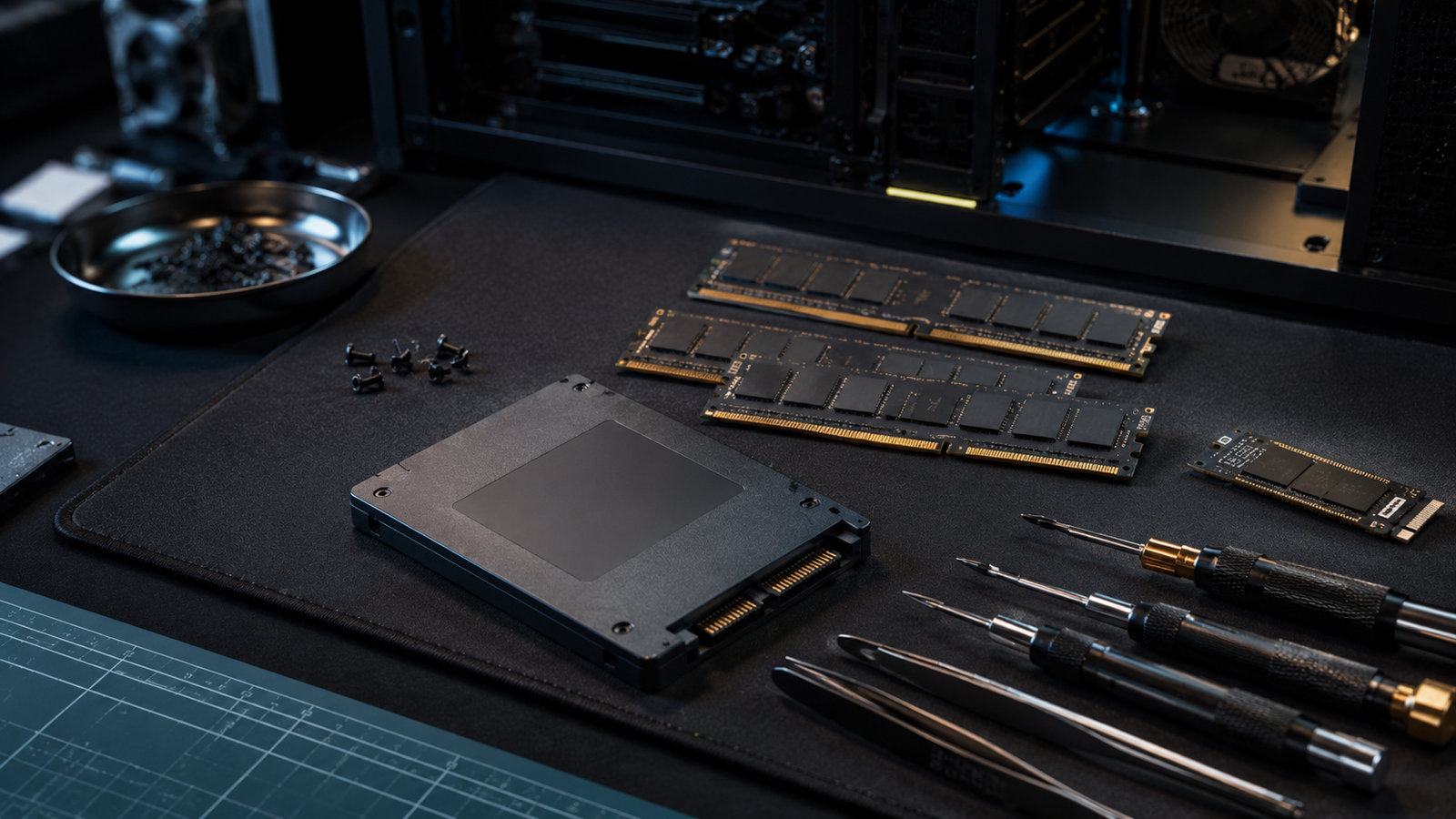
UpgradeReplacement or upgrade possible depending on compatibility, real use and whether the work is worth it financially.
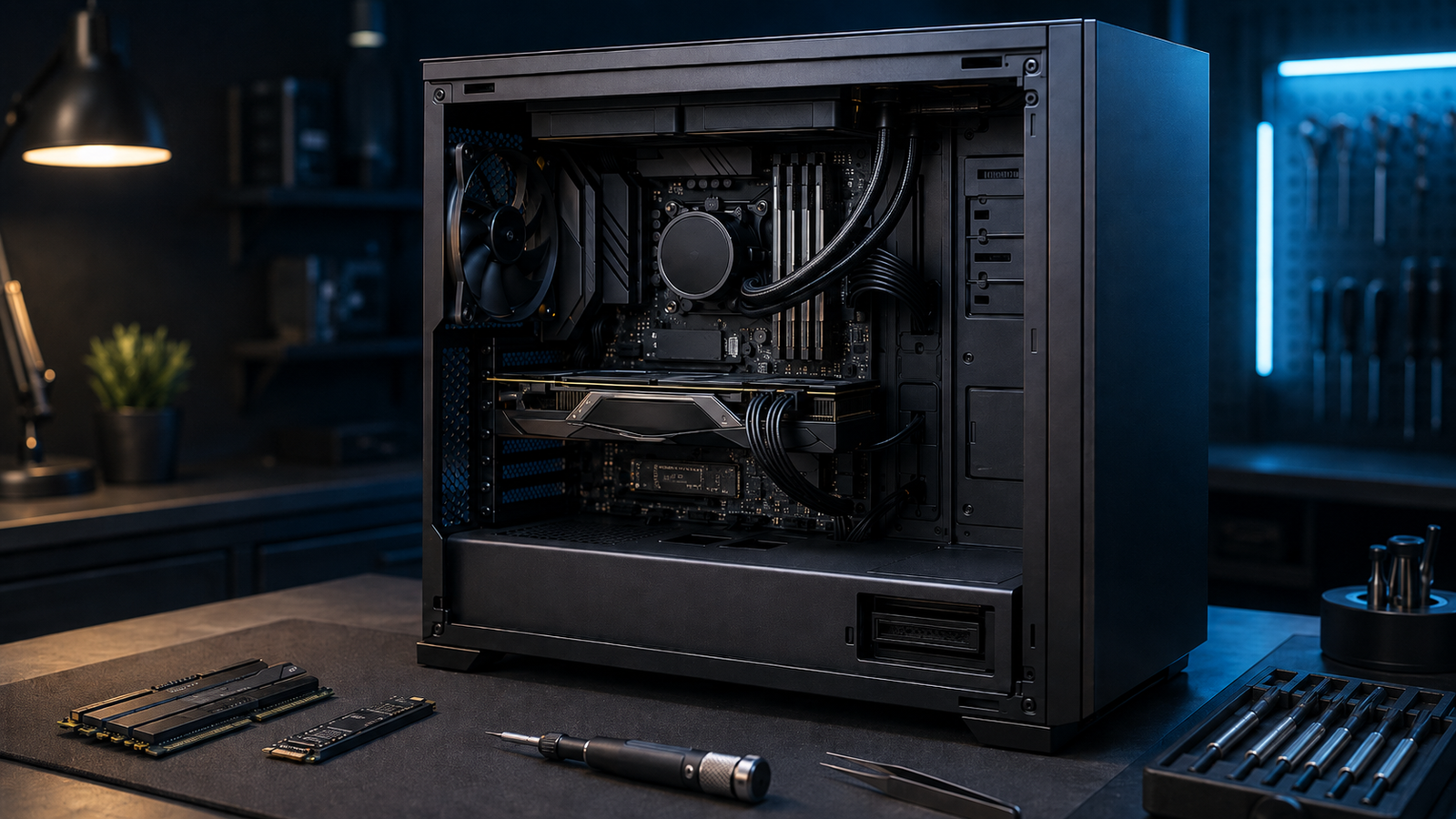
InterventionEvery job should stay understandable: what was found, what was done and what to watch afterwards.
The same apparent problem can have several causes. That’s why a clear diagnosis matters before replacing or reinstalling.
Long startup, software that freezes, a slow browser, a full drive or an ageing machine.
Error messages, stuck updates, crashes, drivers or strange behaviour.
Performance improvement possible depending on the machine, its age, its use and its compatibility.
When the repair cost is too high, it’s sometimes better to invest in a more suitable machine.
The goal is to understand the problem, explain the options and avoid unnecessary work.
You explain the symptoms: slowness, errors, startup, screen, noise or the software involved.
We check the likely causes and the limits of what can be done.
You get a recommendation: optimisation, repair, replacement or another solution.
The work is carried out according to what was agreed, with care for the data and access.
You know what was done, what was found and what to watch afterwards.
Describe the problem, the computer model and the symptoms you’ve noticed. You’ll get clear initial guidance before any work.
Nous utilisons des cookies nécessaires au bon fonctionnement du site. Avec votre accord, nous pouvons également utiliser des services complémentaires pour sécuriser les formulaires, mesurer l’utilisation du site ou améliorer nos services.
Vous pouvez accepter, refuser ou personnaliser vos choix à tout moment.